

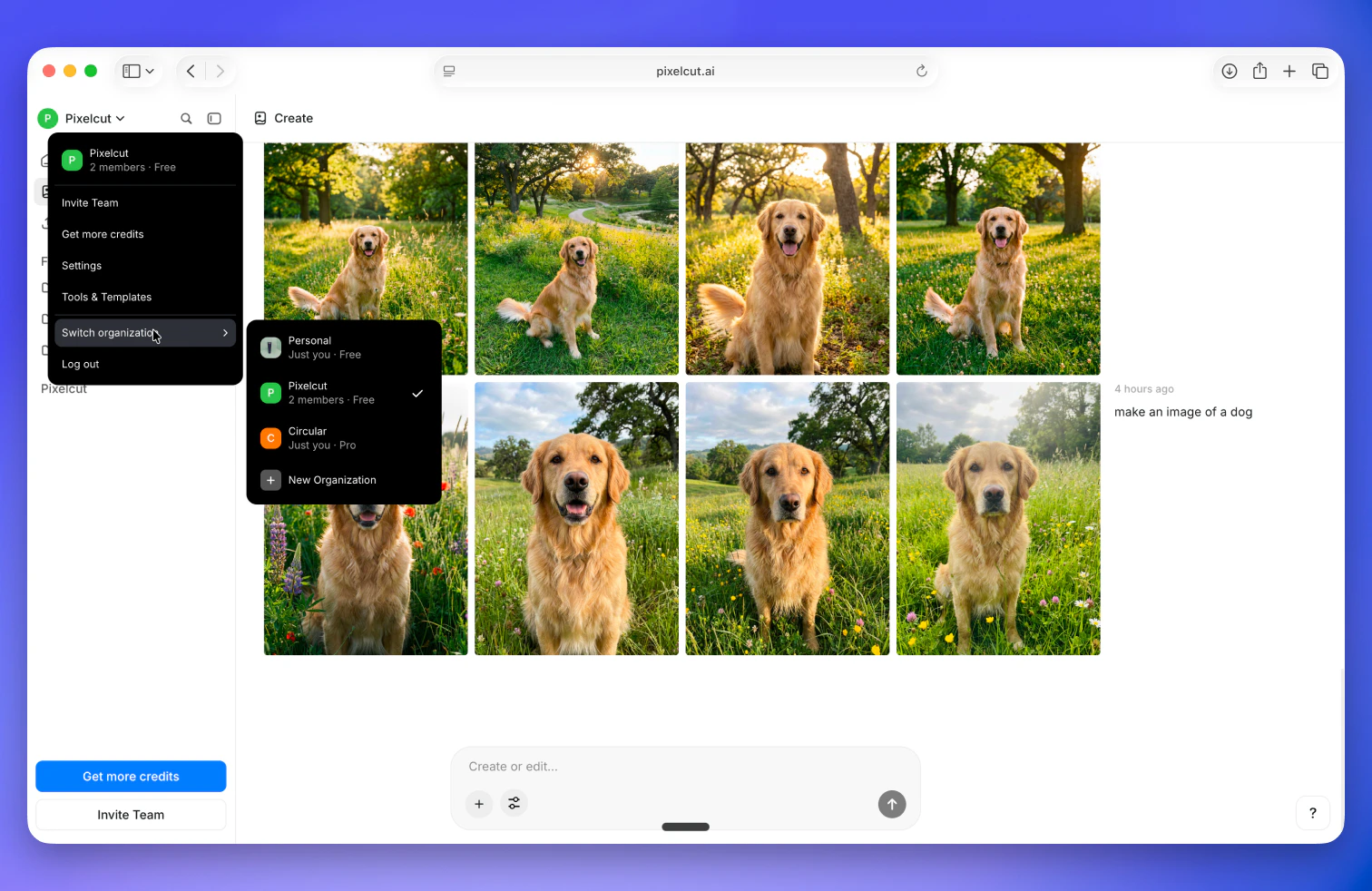
What organizations are for
- Keep content separated between teams or workspaces
- Invite teammates and collaborate on shared projects
- Centralize billing, credits, and usage limits for a team
Team management
Every paid Pixa plan allows you to invite teammates to your organization (seat limits depend on your plan).- Invite teammates via email
- Manage members in Settings → Members
- Add/remove members and update roles as needed
Subscriptions
Subscriptions are tied to organizations, not individual user accounts. If you upgrade a plan in one organization, that upgrade won’t apply to other organizations you belong to.Common issues
If you belong to multiple organizations, double-check you’re in the right one. Otherwise you may experience issues like:- “My content is missing”: you may be in the wrong organization
- “Pro isn’t showing”: you may be signed into the wrong account or organization